Make this layout your own
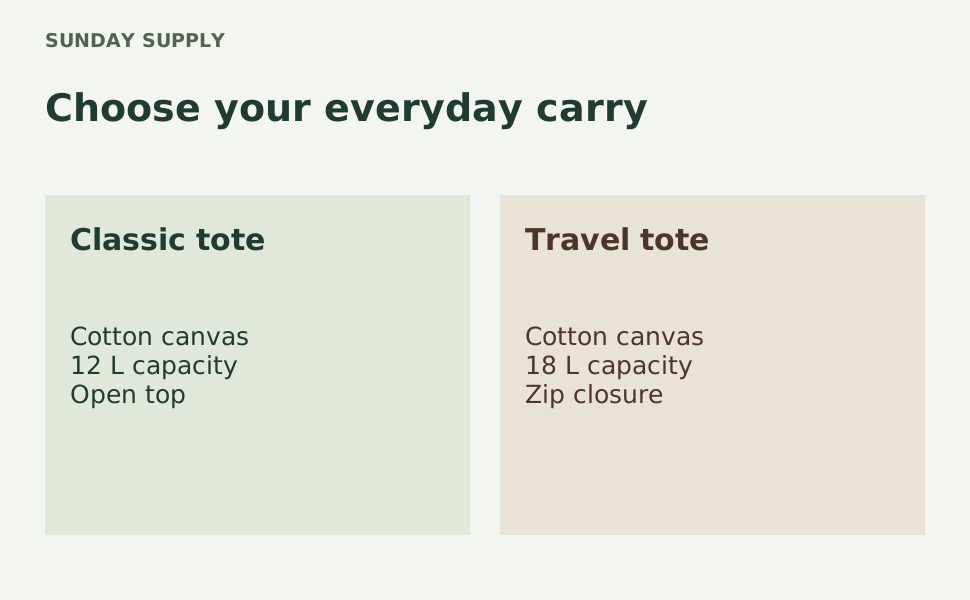
Help readers understand two options from your own product range. This A+-style comparison card places a short heading above two balanced panels, each with a product name and a compact specification list. The sample compares two fictional tote bags using neutral details such as capacity and closure type. It is a single flattened graphic, not Amazon’s native comparison chart module, and it does not create an A+ content submission.
Use brand and title to introduce the range, then fill left_name, right_name, left_detail and right_detail with accurate specifications. Keep both sides parallel so shoppers can compare the same attributes. Avoid competitor comparisons, prices, discounts and unsupported claims; review Amazon’s A+ content guidelines for the content you intend to upload. CSV rows can generate several comparisons using the same layout. Preview every row because uneven or long specifications can change the text fit. Download the PNG and add it manually to an appropriate image module, with descriptive alt text and a final check of Amazon’s module requirements.
From a template to a batch
- Open and editChange the sample text, colors and layers in Studio. Add a local PNG, JPEG or WebP image manually if needed.
- Save your versionSave the template, then choose Use in a batch. Download its sample CSV for the exact headers.
- Preview and downloadFill up to 50 text rows, validate, preview and generate a PNG ZIP in your browser.