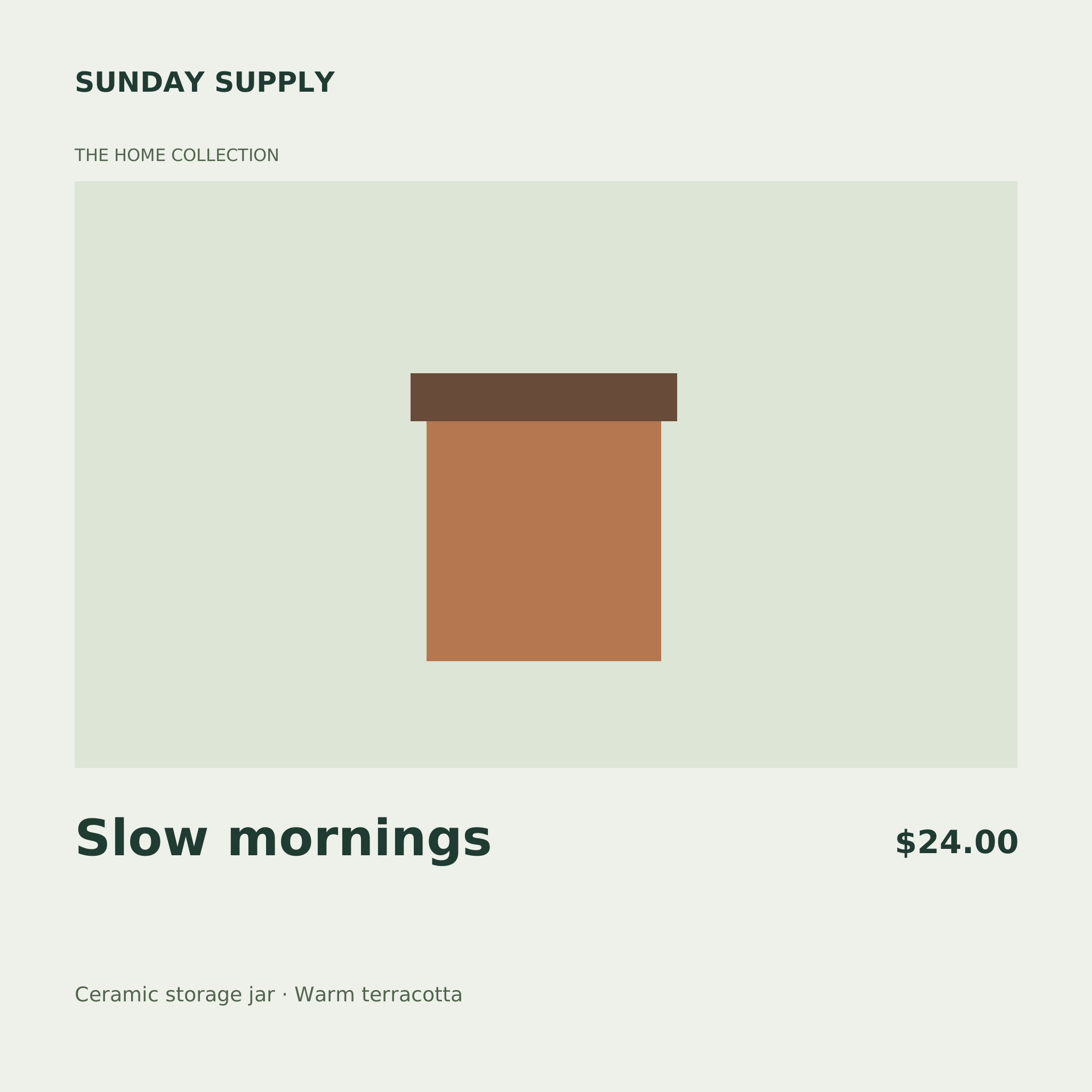
A product CSV that matches your template
The Shopify product card uses the headers below. The optional sku column can supply a file name; the other headers match the template’s text fields.
sku,brand,collection,title,price,detail
JAR-001,SUNDAY SUPPLY,HOME COLLECTION,Storage jar,$24.00,Ceramic · Warm terracotta
JAR-002,SUNDAY SUPPLY,HOME COLLECTION,Small storage jar,$18.00,Ceramic · Warm terracotta
Export an Excel sheet as CSV UTF-8 first. Quote values that contain commas, quotes or line breaks. Empty required fields, missing headers, malformed CSV and text that cannot fit must be corrected before export.
What changes in each image?
CSV rows replace text variables. Colors, shapes and image layers remain fixed across the batch. There is no per-row product photo URL field: add or replace a local photo in Studio and make separate batches when the artwork changes.
Rendering and downloads run in your browser. A saved template stays in the browser for visitors; signed-in template saving uses your account workspace. Uploading finished images to Etsy, Shopify, Amazon or Instagram is a manual step.
Choose a seller starting point
- Etsy listing image template — 2400 × 2000 px
- Shopify product card template — 2048 × 2048 px
- Amazon A+-style comparison card — 970 × 600 px
- Instagram story promo template — 1080 × 1920 px