Make this layout your own
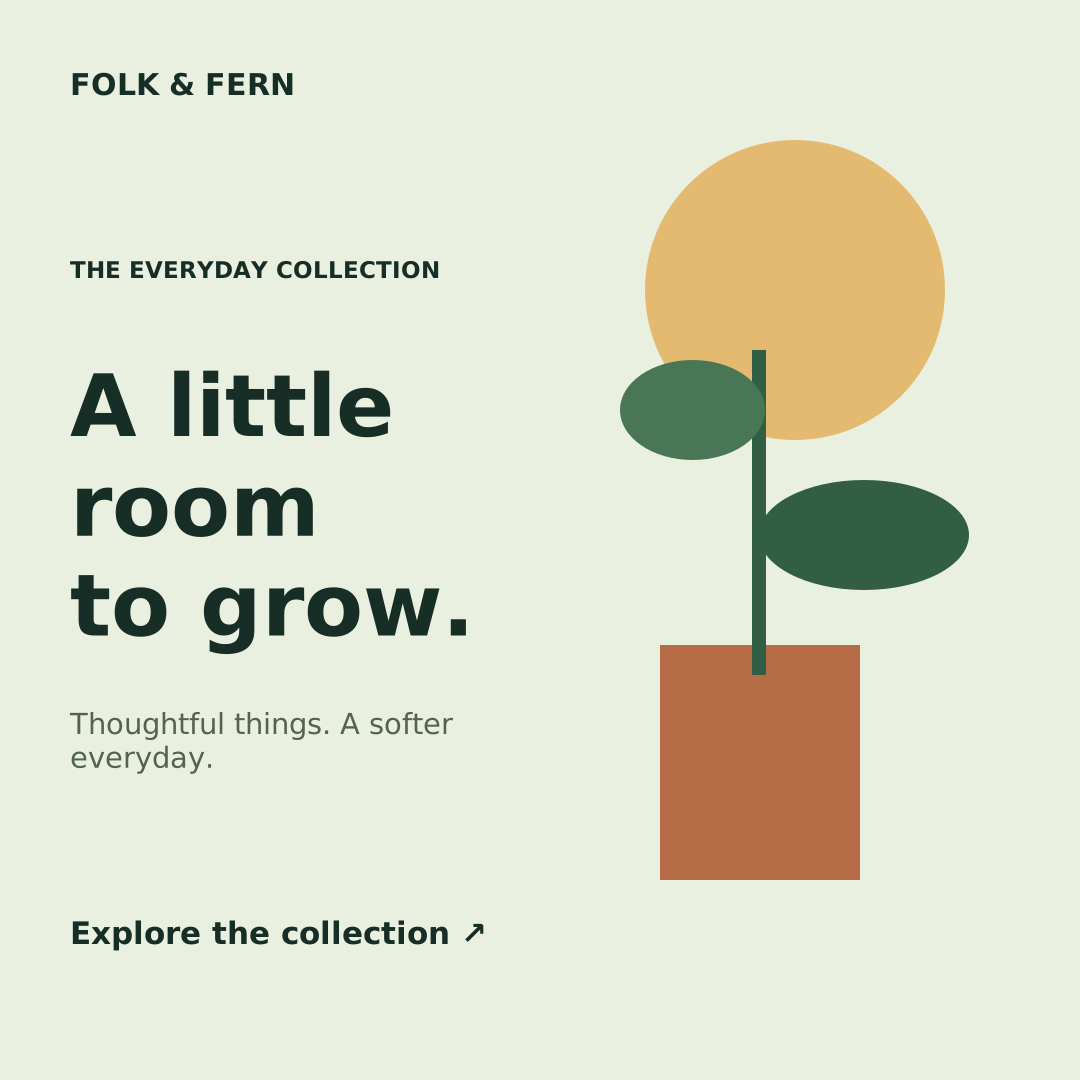
Give a small collection a calm, recognizable introduction. This botanical social post pairs a generous headline with a simple plant illustration, a muted green background and a warm sun accent. The left side carries your message while the right side adds visual character without requiring a photograph. It works well for seasonal collections, independent shops and short updates that benefit from a quieter tone.
Change brand to your shop name, title to the collection or message, and cta to the next step you want readers to take. The call to action is printed text in the exported image; add an actual link separately wherever you publish. Every shape and text layer remains editable, so you can adjust the palette, remove the illustration or add your own local photograph. For a series, keep the design fixed and supply different text in CSV rows. Review long titles in the preview before exporting your PNG files.
From a template to a batch
- Open and editChange the sample text, colors and layers in Studio. Add a local PNG, JPEG or WebP image manually if needed.
- Save your versionSave the template, then choose Use in a batch. Download its sample CSV for the exact headers.
- Preview and downloadFill up to 50 text rows, validate, preview and generate a PNG ZIP in your browser.