Make this layout your own
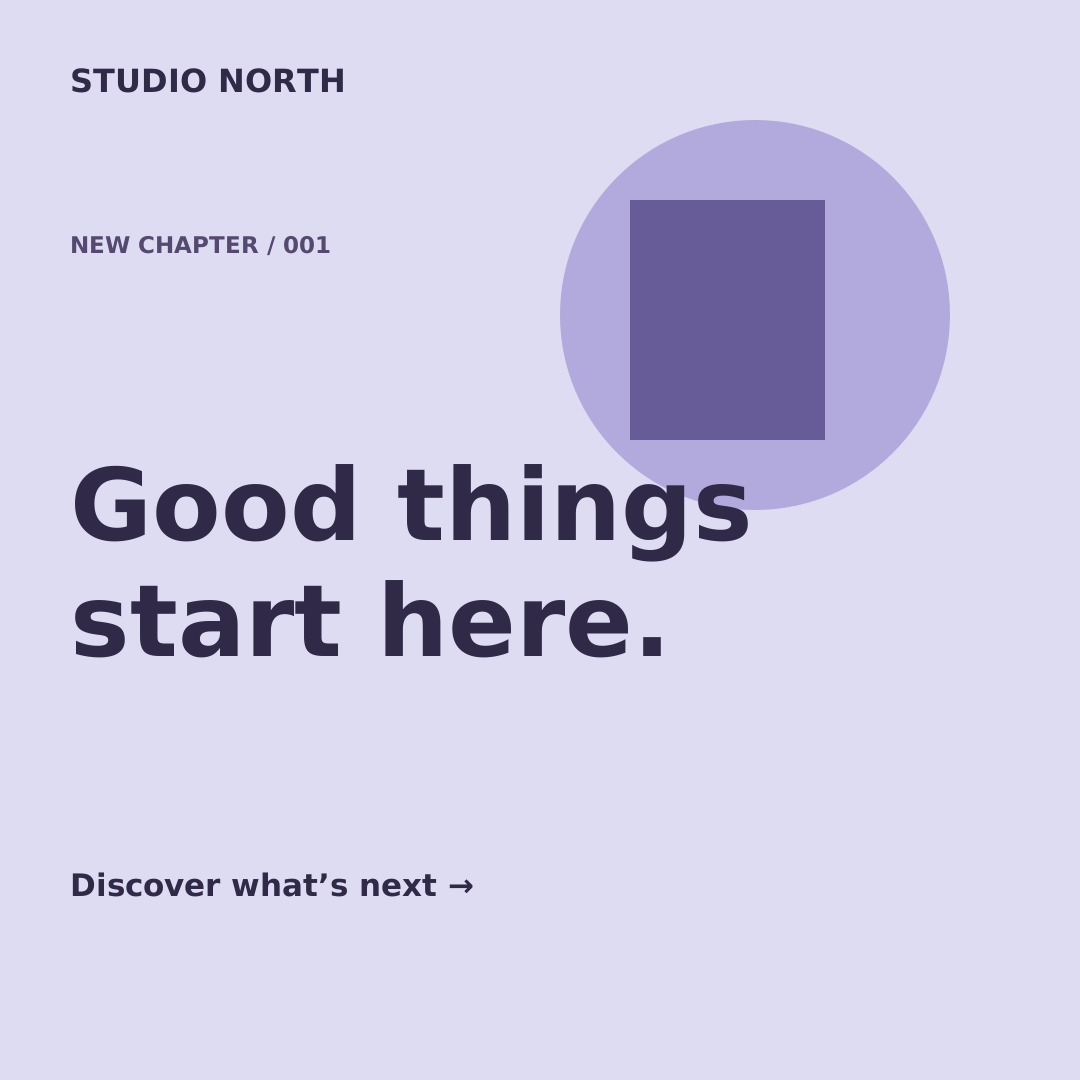
Make the first announcement for a new collection feel consistent with the reminders that follow. This launch template uses a lavender background, two geometric accents and a large headline to give a short message plenty of room. A small brand line anchors the top, and an editable date line sits near the bottom. The layout suits a shop opening, a restock announcement or the first look at a new product range.
Use brand for your business name, title for the announcement and date for a launch time or a short next step. The date is text rather than a scheduled event: you decide when and where to publish each image. Keep titles concise and use line breaks deliberately to preserve the poster-like composition. You can change the shapes, colors and typography in Studio, then save your own version. A CSV can provide multiple announcement headlines and dates for browser-side PNG export, giving you a coordinated set to publish manually.
From a template to a batch
- Open and editChange the sample text, colors and layers in Studio. Add a local PNG, JPEG or WebP image manually if needed.
- Save your versionSave the template, then choose Use in a batch. Download its sample CSV for the exact headers.
- Preview and downloadFill up to 50 text rows, validate, preview and generate a PNG ZIP in your browser.