Make this layout your own
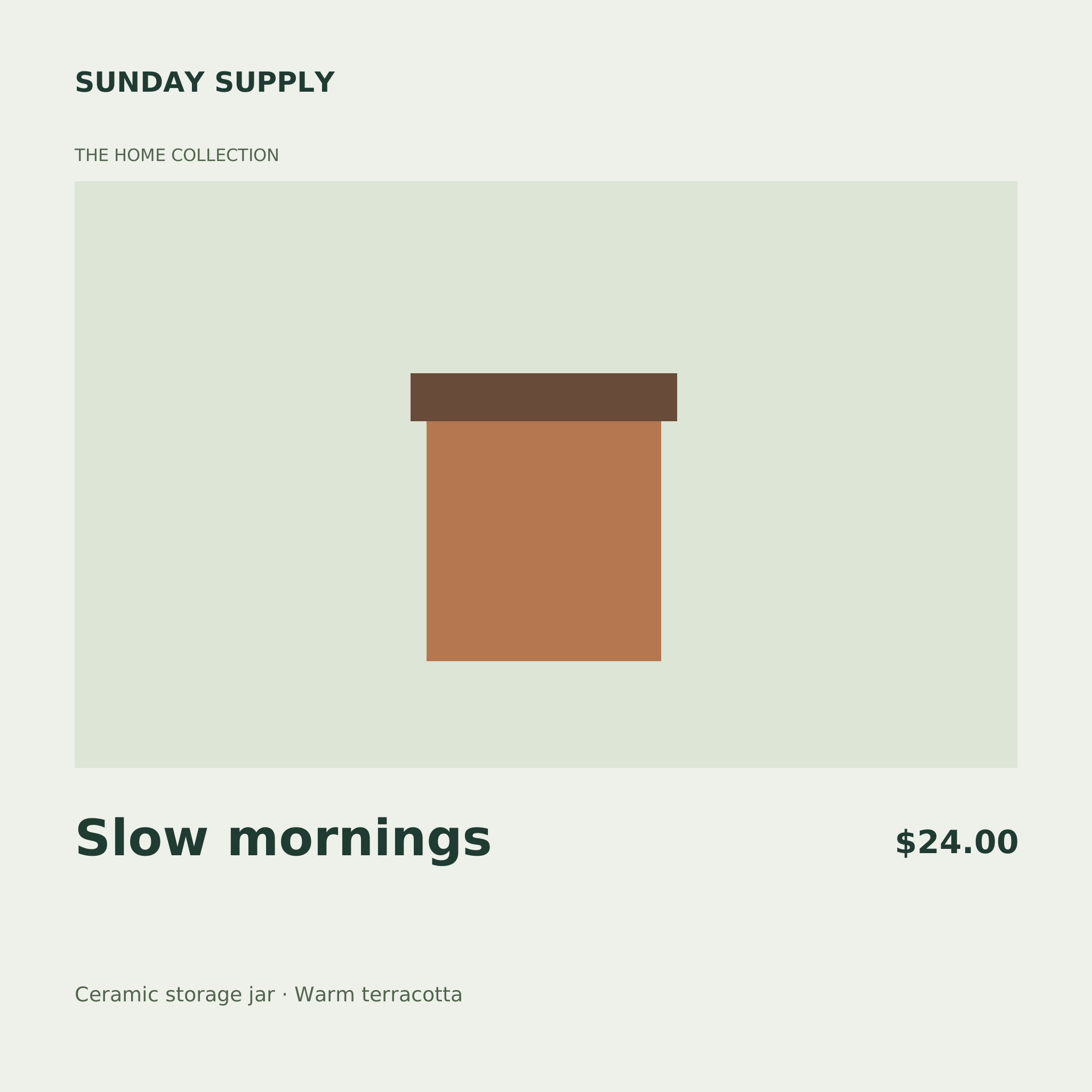
Keep a collection of product cards visually consistent while changing the details that shoppers need. This square Shopify product card uses a pale green visual panel, a clear product title and a separate price area. The sample jar is built from editable shapes and demonstrates the space available for your merchandise. Add your own local product photograph manually when you need an accurate product image rather than an illustrated placeholder.
Fill brand, collection, title, price and detail with the copy for your store. Include a currency in the price field, since Framelet treats it as text and does not calculate prices or connect to Shopify. A CSV batch can vary these words while keeping the same layout and image layers. To use different product photographs, replace the fixed image between batches. Check the result against your store theme, particularly small collection thumbnails where text can become hard to read. Export PNG files in your browser, review them and upload the finished cards through your own store workflow.
From a template to a batch
- Open and editChange the sample text, colors and layers in Studio. Add a local PNG, JPEG or WebP image manually if needed.
- Save your versionSave the template, then choose Use in a batch. Download its sample CSV for the exact headers.
- Preview and downloadFill up to 50 text rows, validate, preview and generate a PNG ZIP in your browser.